
FLUX 3 AI Video Generator
Build FLUX 3-ready video workflows from prompts, images, reference clips, and editing instructions.
Use FLUX 3 Studio to create cinematic AI videos with sound-aware scenes, readable text direction, and consistent motion while the FLUX 3 ecosystem rolls out.
Launch offer: 50% off before 2026
from 99+ happy users
FLUX 3 Video Workflow Examples
Explore video scenarios that match the FLUX 3 direction: multimodal prompts, reference-driven motion, video editing, readable on-screen text, and audio-aware story beats.
Templates & Stylized Effects
Spin up FLUX 3 template-driven shots with crisp text overlays, fish-eye looks, flash transitions, and outfit swaps.

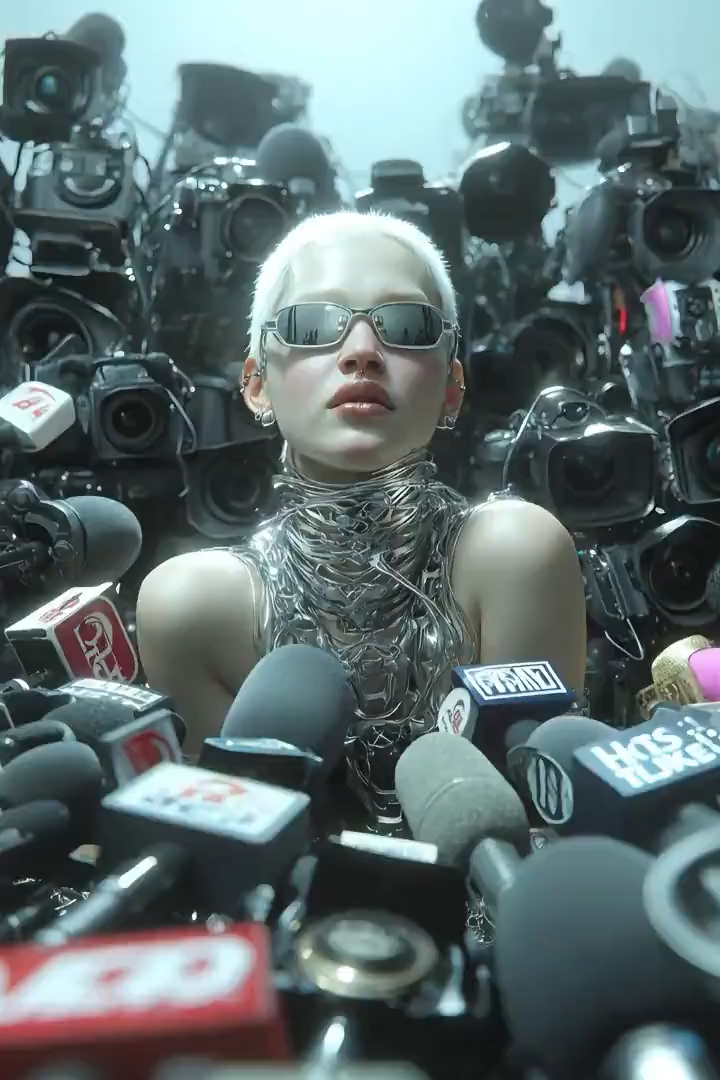
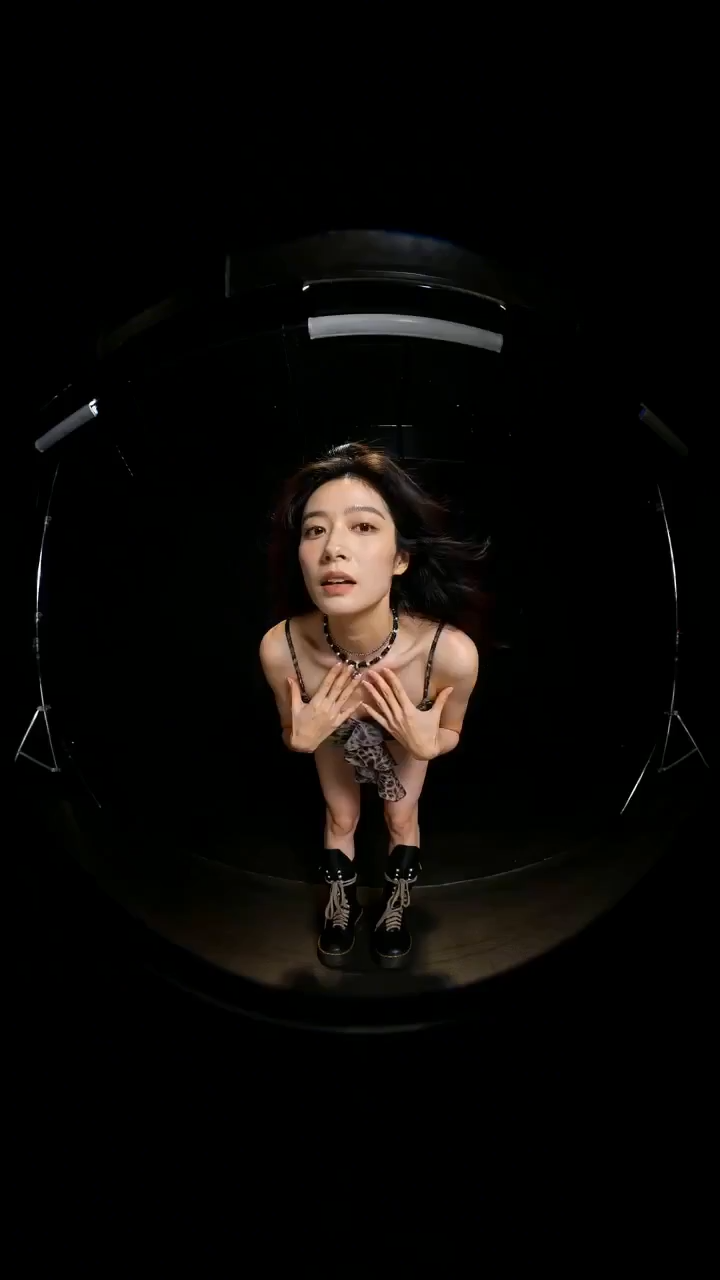
“Use the model's facial features from image 1. The model wears outfits from images 2-6, walking toward the camera with playful, cool, cute, surprised, and confident expressions. Cut between outfits with a fish-eye look and a soft flash transition. Add the on-screen text "NEW SEASON" rendered cleanly on every cut.”
Motion & Camera Direction
Combine character action from one reference with a camera move from another, then generate a cinematic scene in one shot.

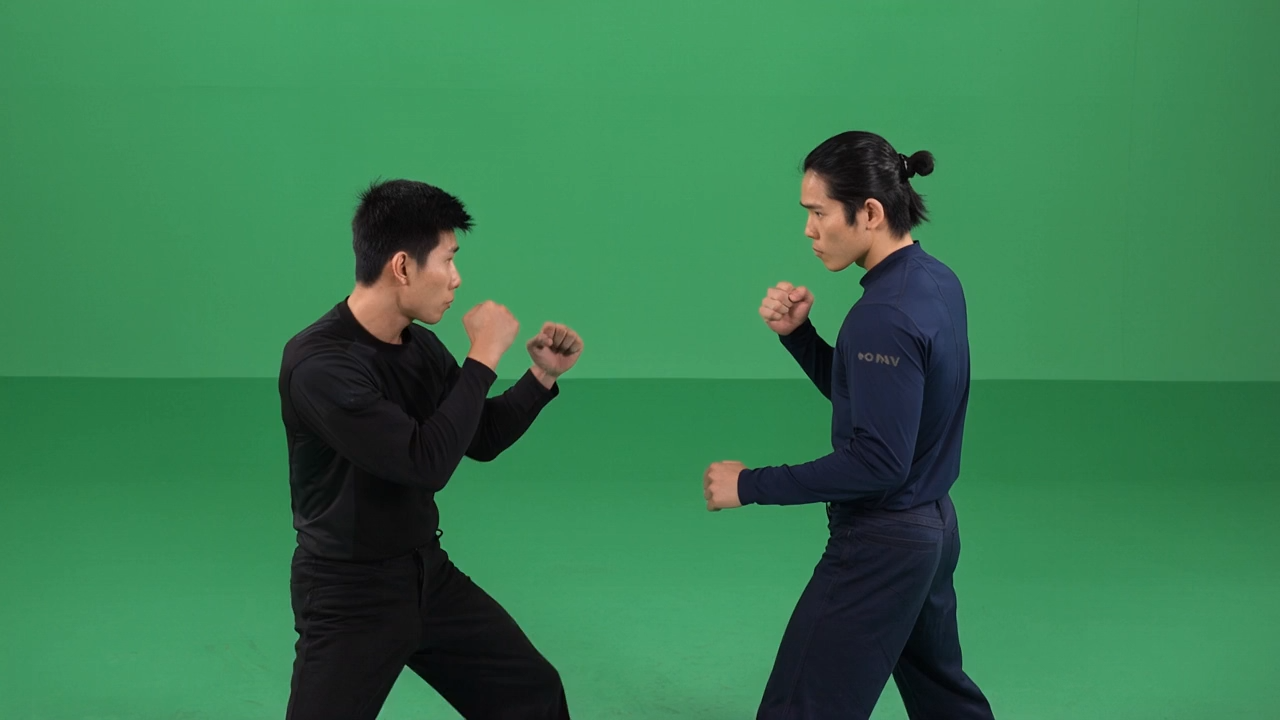

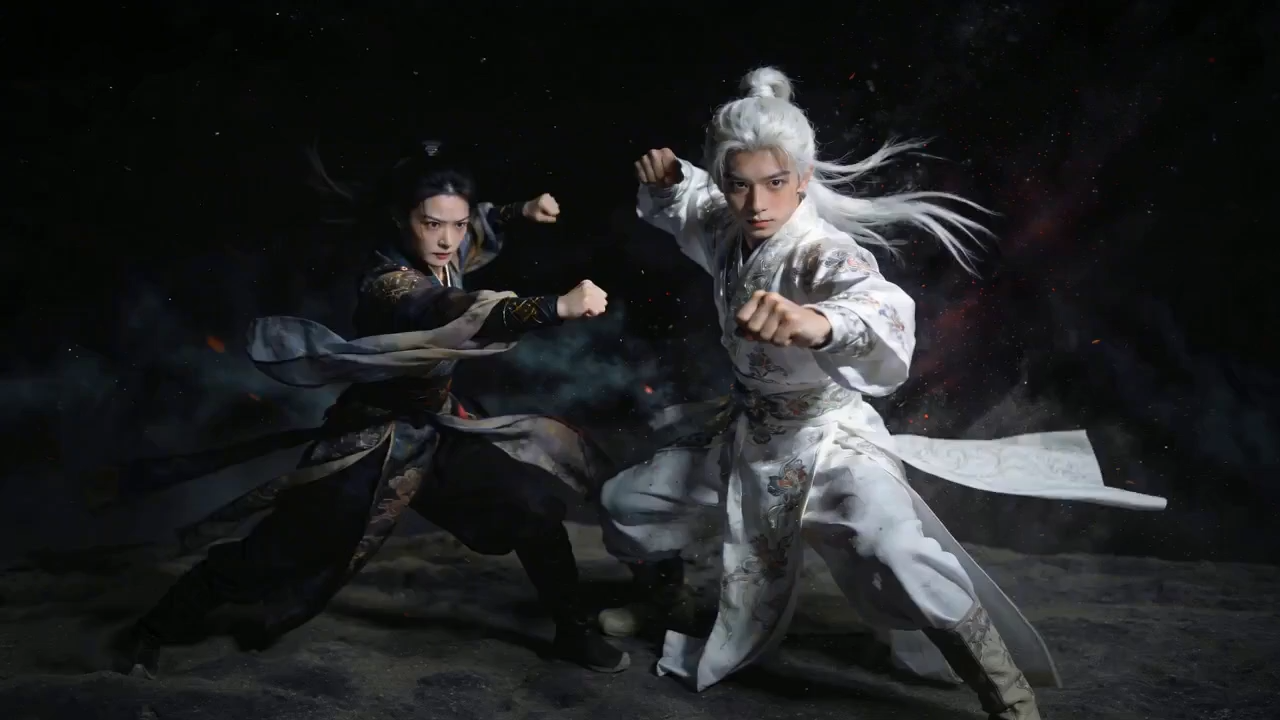
“Reference the character actions from video 1 and the orbiting camera from video 2. Generate a fight between character 1 and character 2 under a starry night sky, with white dust rising during combat. Smooth orbiting move, dramatic atmosphere.”
Chat-Native Remix
Drop in a clip, then iterate in chat: extend the scene, swap a prop, add an on-screen tagline, and keep the look consistent.

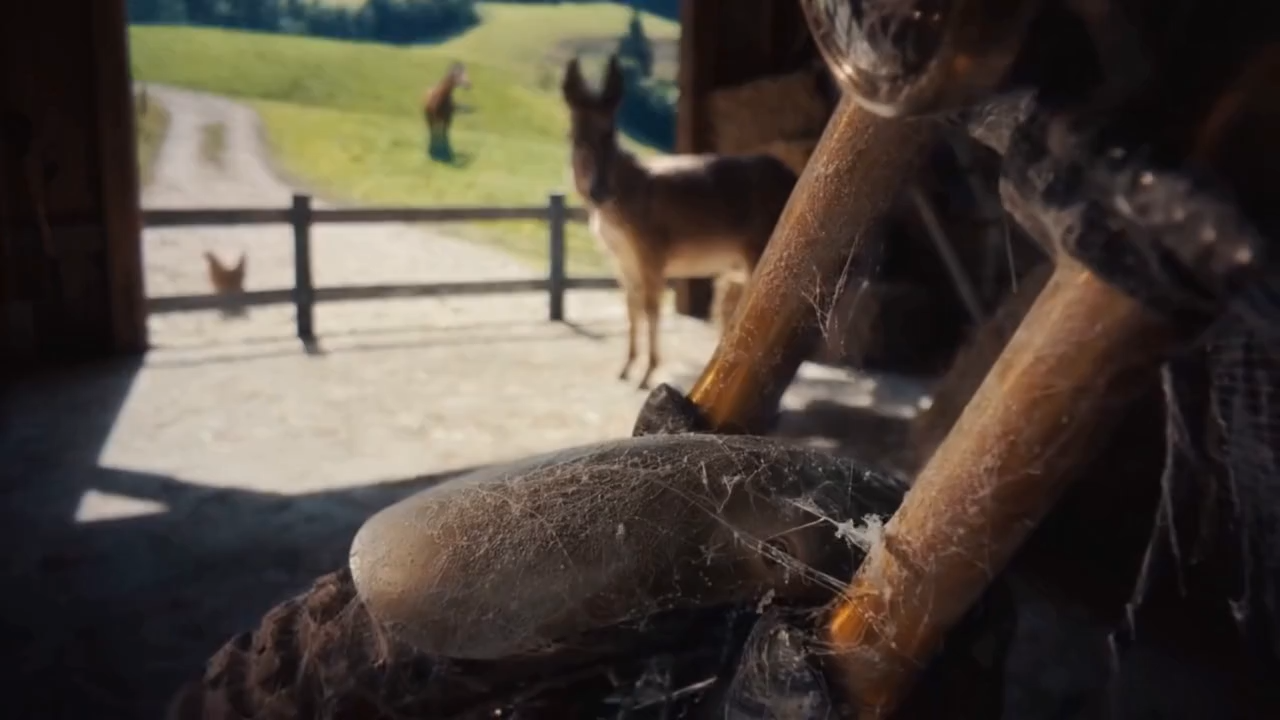
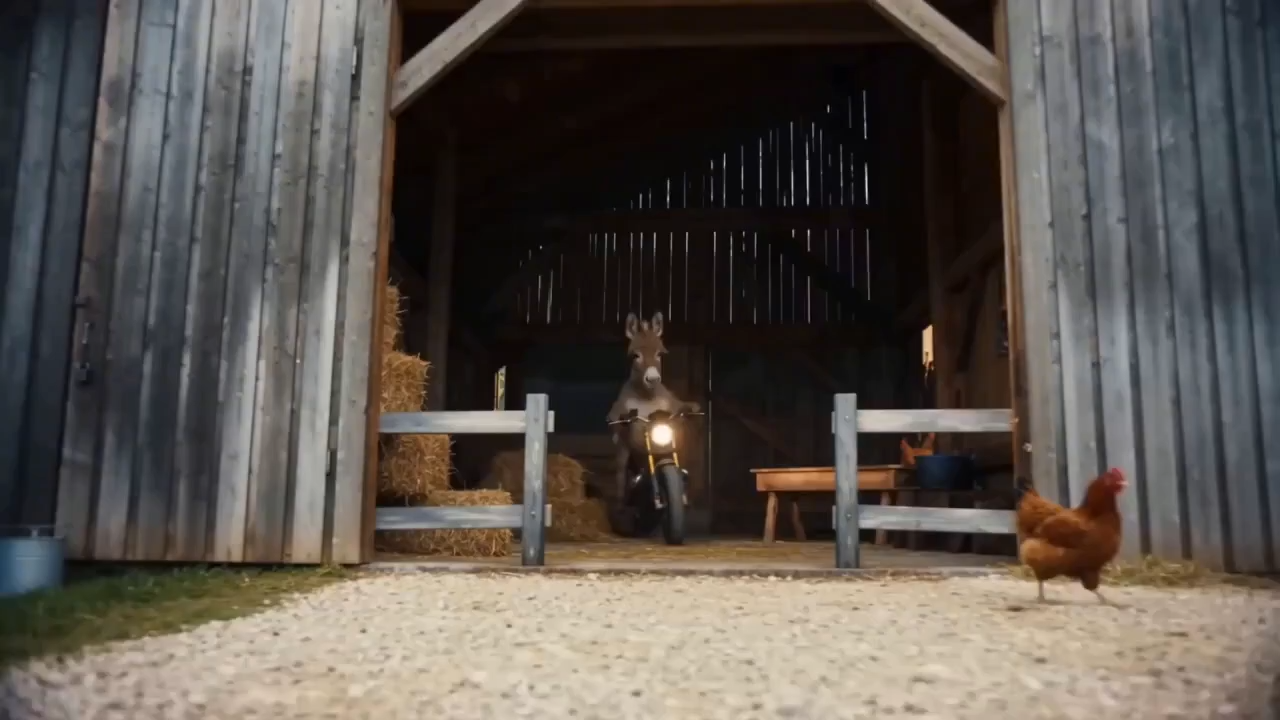
“Extend the 15s clip referencing @image1 and @image2 of a donkey on a motorcycle. Scene 1: side-shot bursting through a fence, startling chickens. Scene 2: tricks in the sand, close-up on tire, then an aerial pullback. Scene 3: mountain backdrop, the donkey jumps as the tagline "Inspire Creativity, Enrich Life" reveals through a clean masking effect.”
Cinematic Audio & Visuals
Pair precise cinematography keywords with native audio for premium voice quality, ambient sound, and production-ready motion.

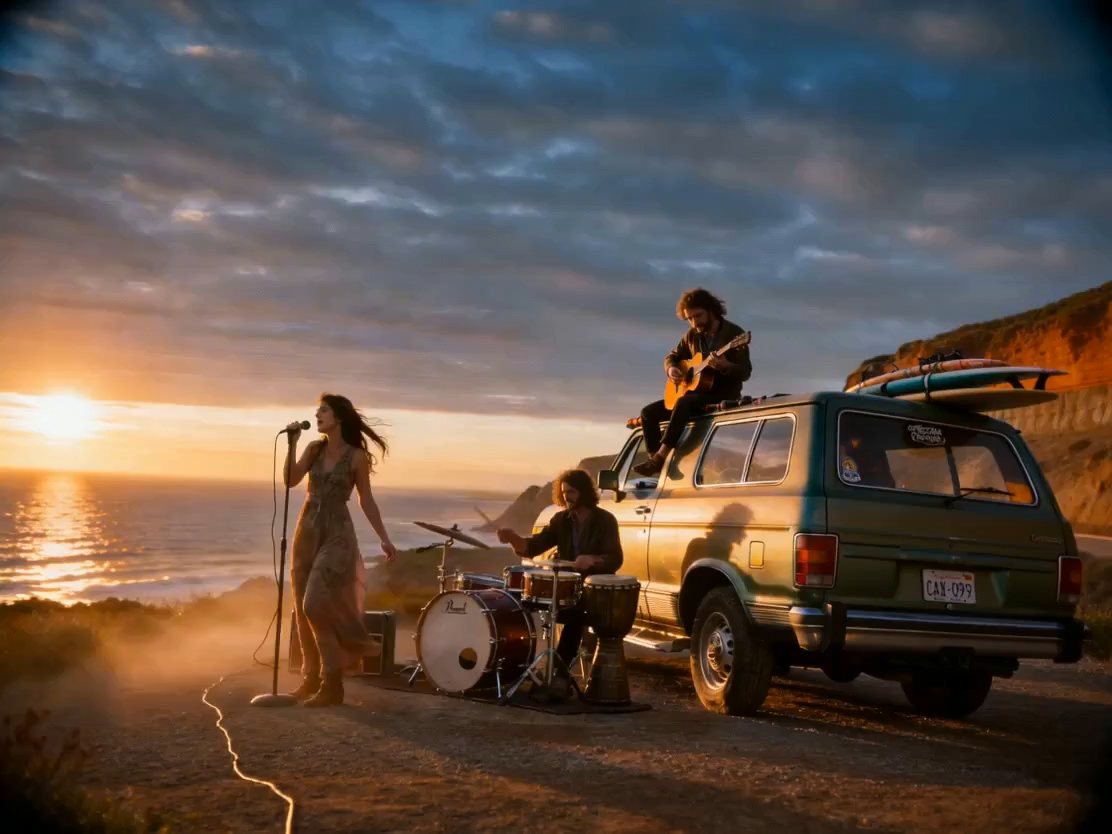
“Generate a 10-second cinematic clip. Keywords: stable composition, gentle push-pull, low-angle hero shot, documentary but premium. Ultra-wide establishing shot, slight upward tilt, cliffside dirt road with a vintage travel car in the lower third, distant sea on the horizon, golden-hour side-backlight with volumetric rays through dust, authentic film grain, wind moving the clothes.”
Chat-Style Editing & Object Swap
Replace people or props inside an existing video with one chat prompt while movements, blocking, and timing stay intact.

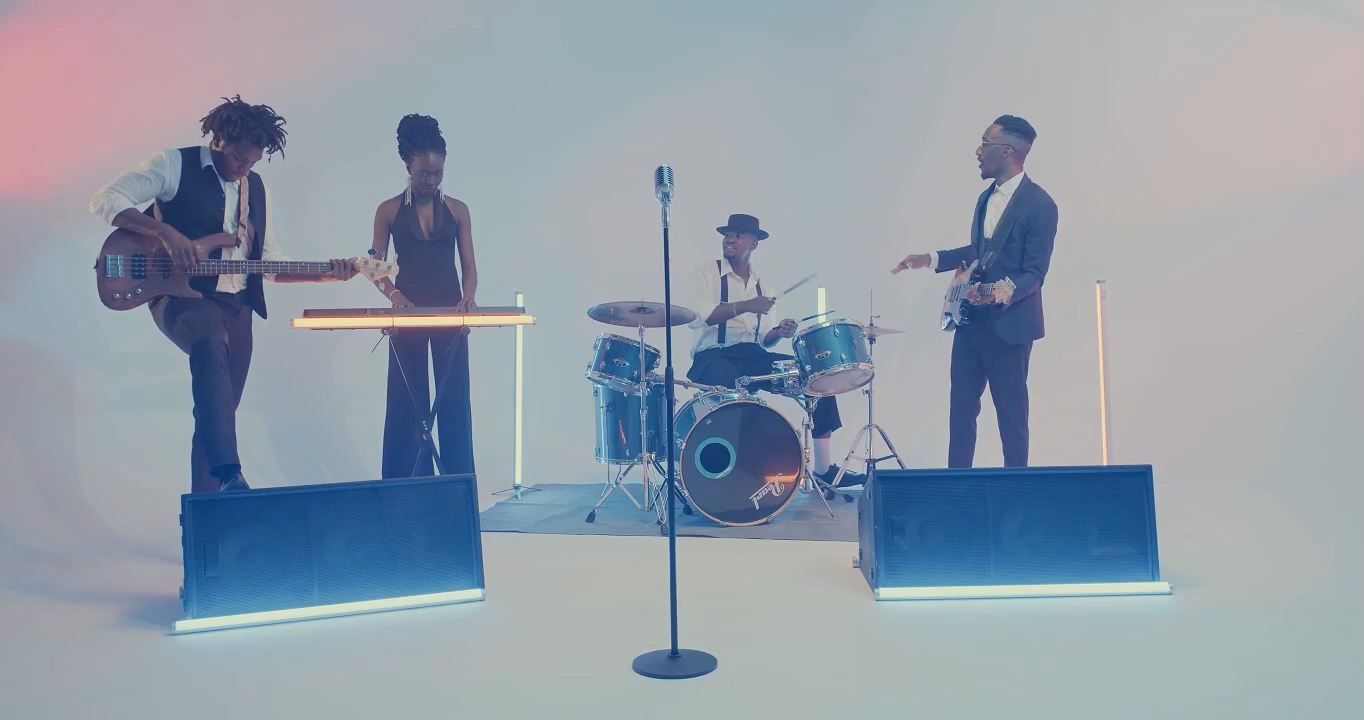
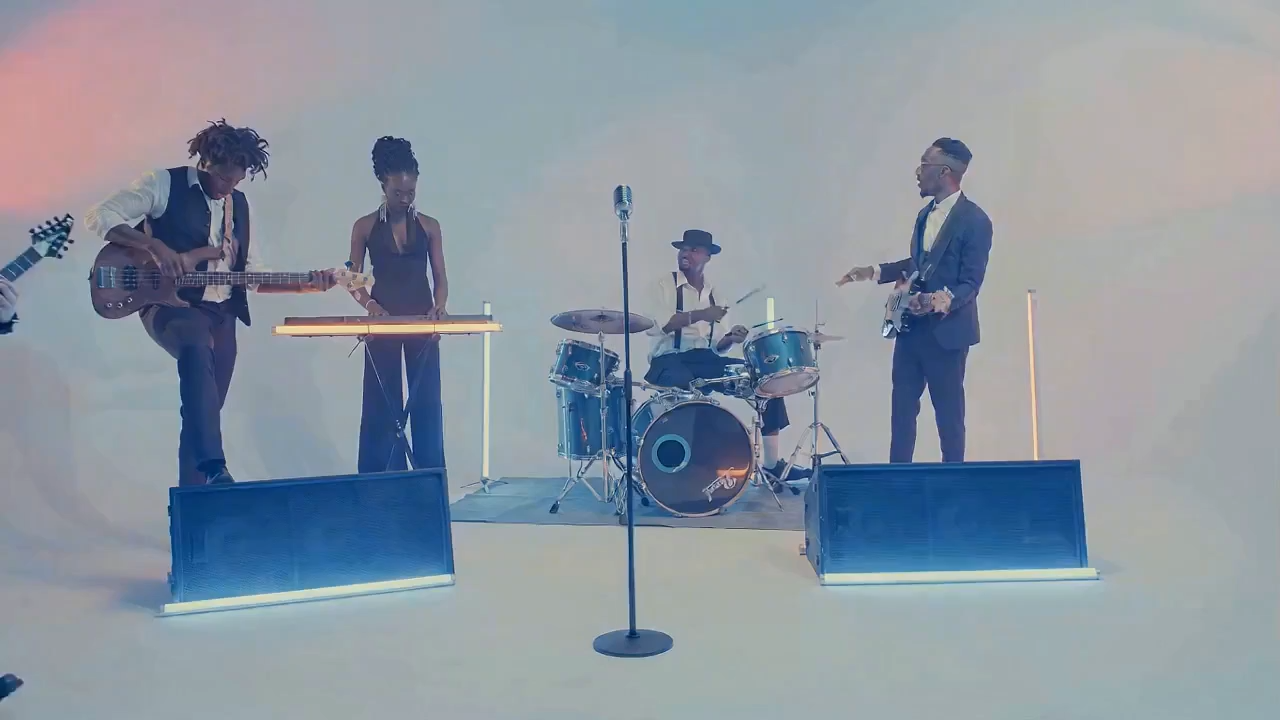
“Replace the female lead singer in video 1 with the male singer in image 1. Match the original actions exactly, no extra cuts, band keeps performing.”
Education-Ready Explainers
Generate clean explainer footage with on-screen text and equations rendered consistently for tutorials and courseware.
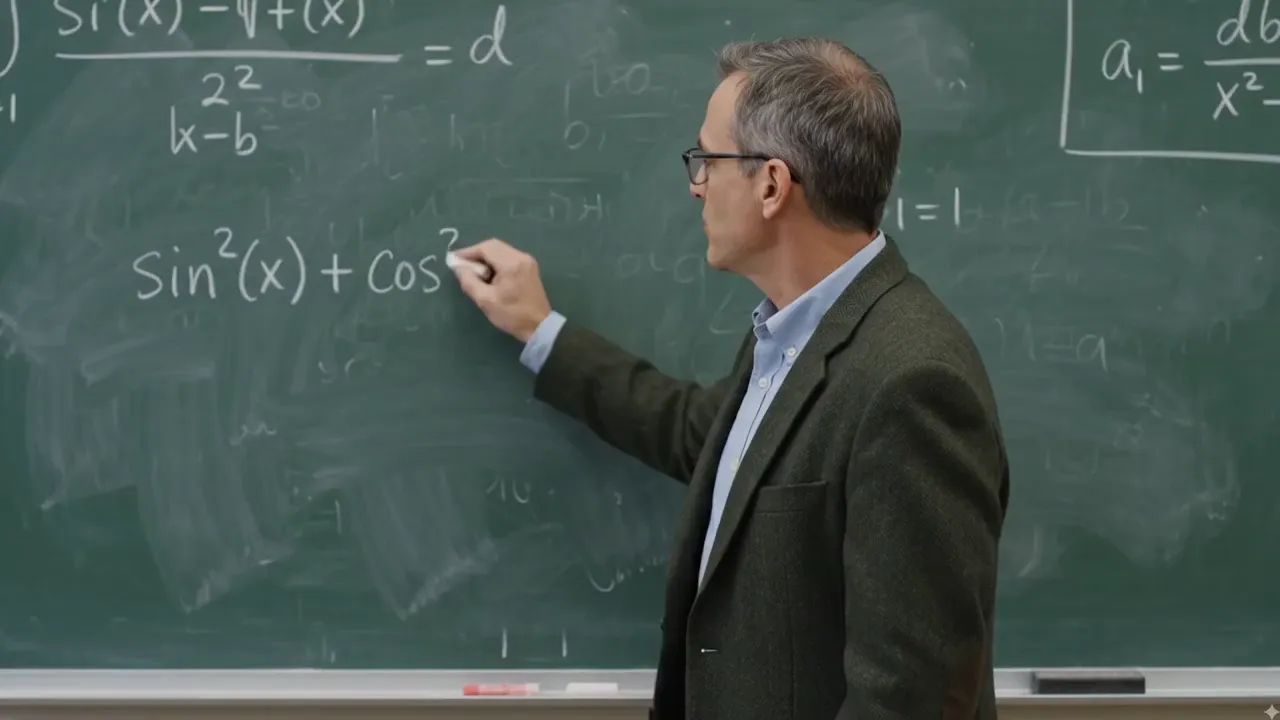
“A middle-aged professor with glasses stands at a green chalkboard full of equations, explaining the trigonometric identity sin²(x) + cos²(x) = 1, turning to face the camera as he teaches.”
From Idea to Story
Hand FLUX 3 a few images and a mood, then let it fill in a coherent micro-story with synced background music.

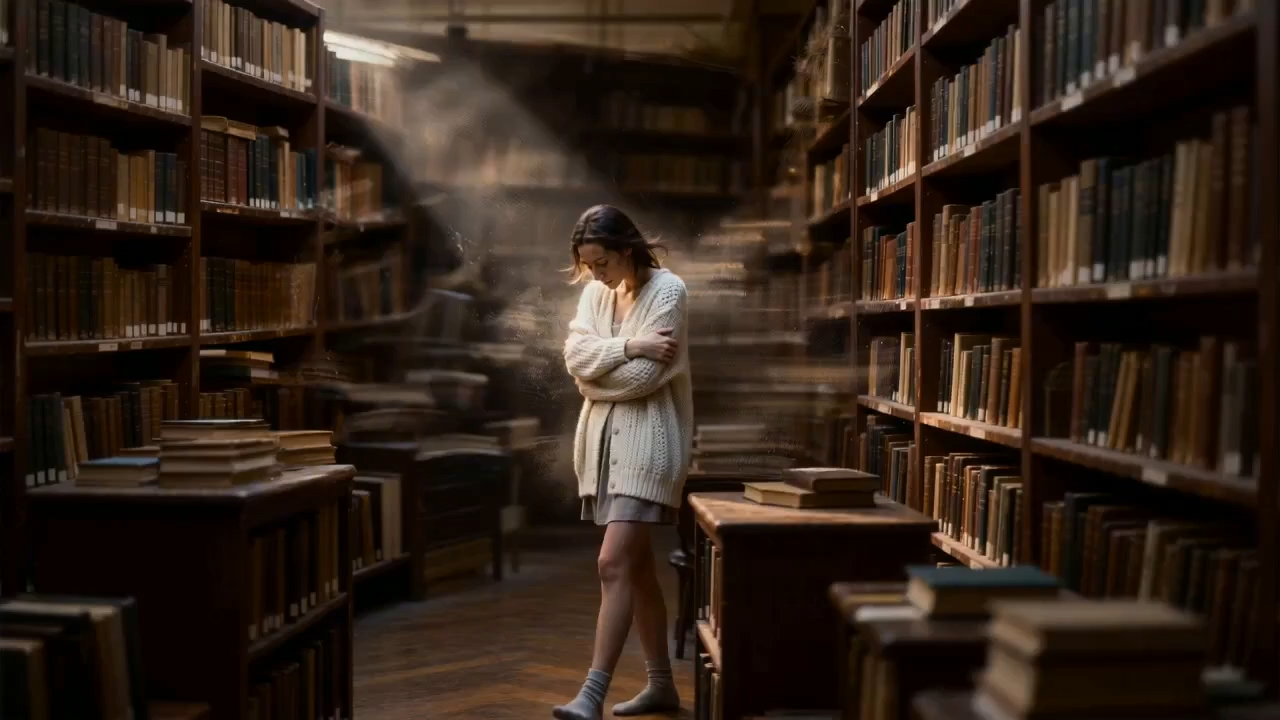
“Using the audio from video 1, create an emotional 10-second clip inspired by images 1-5. Match the rhythm of the music and end on a clean text card.”
Object Replacement in One Prompt
Swap a single object inside an existing clip while keeping camera move, lighting, plating, and steam continuity intact.
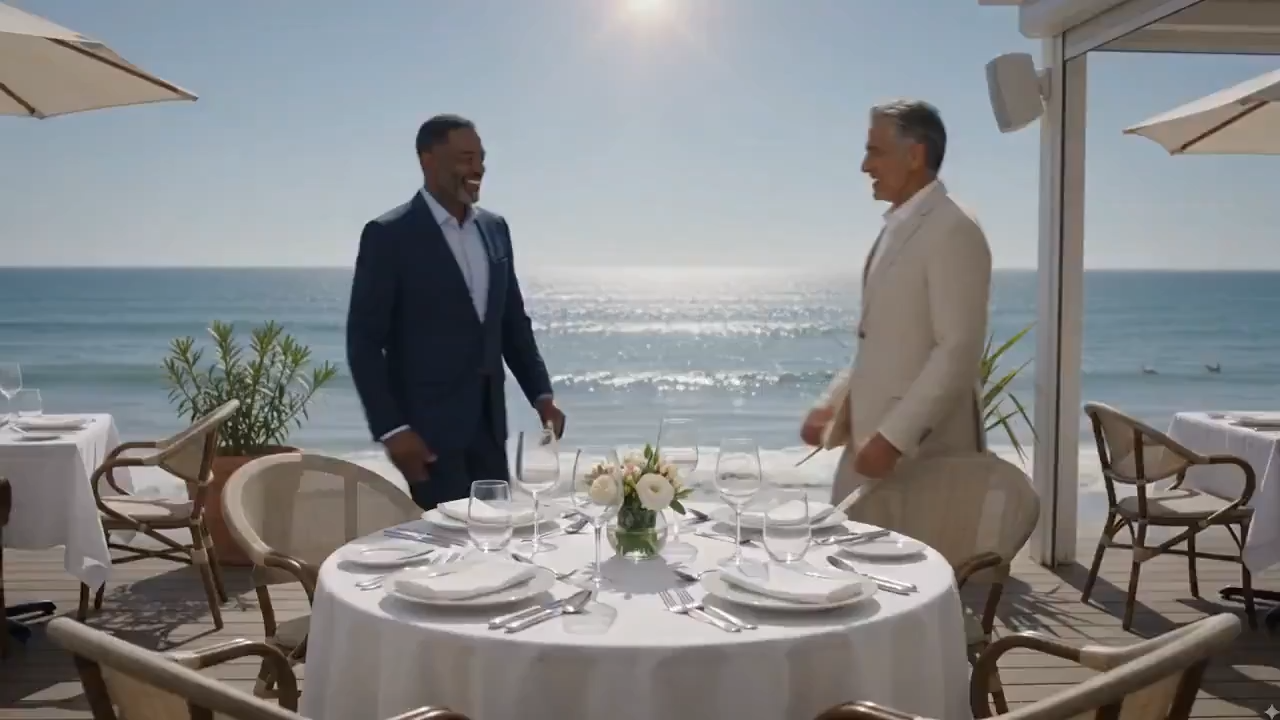
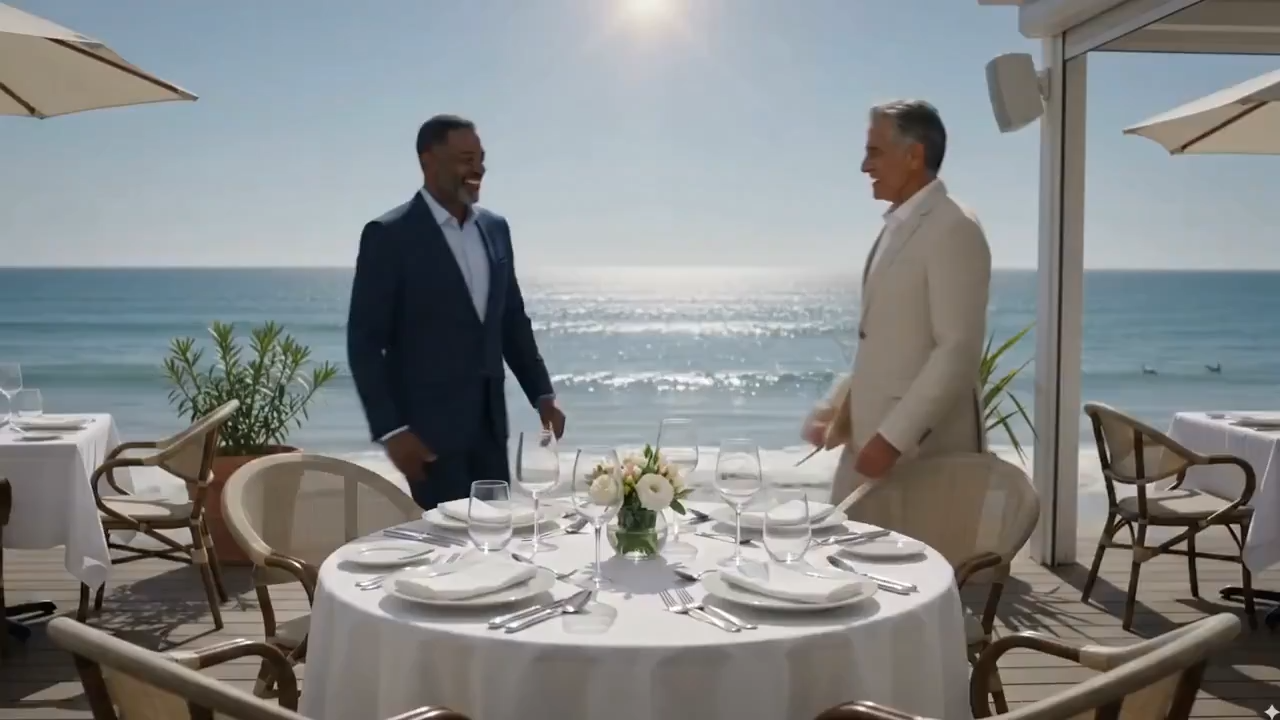
“Replace the bowl of pasta in this clip with a bowl of Tom Yum soup. Keep the camera move, lighting, plating, and table setting identical. Steam rises naturally from the new soup.”
Watermark & Branding Cleanup
Remove third-party watermarks from existing footage while preserving framing, motion, color grade, and subject performance.
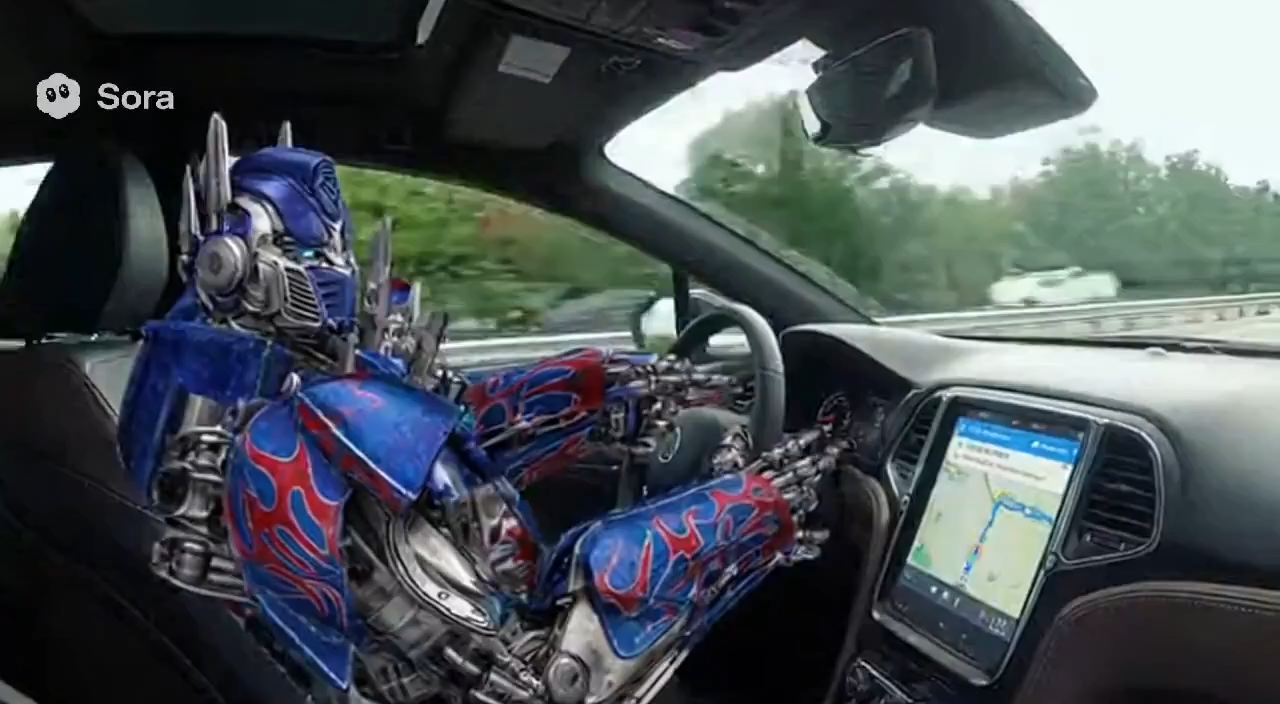
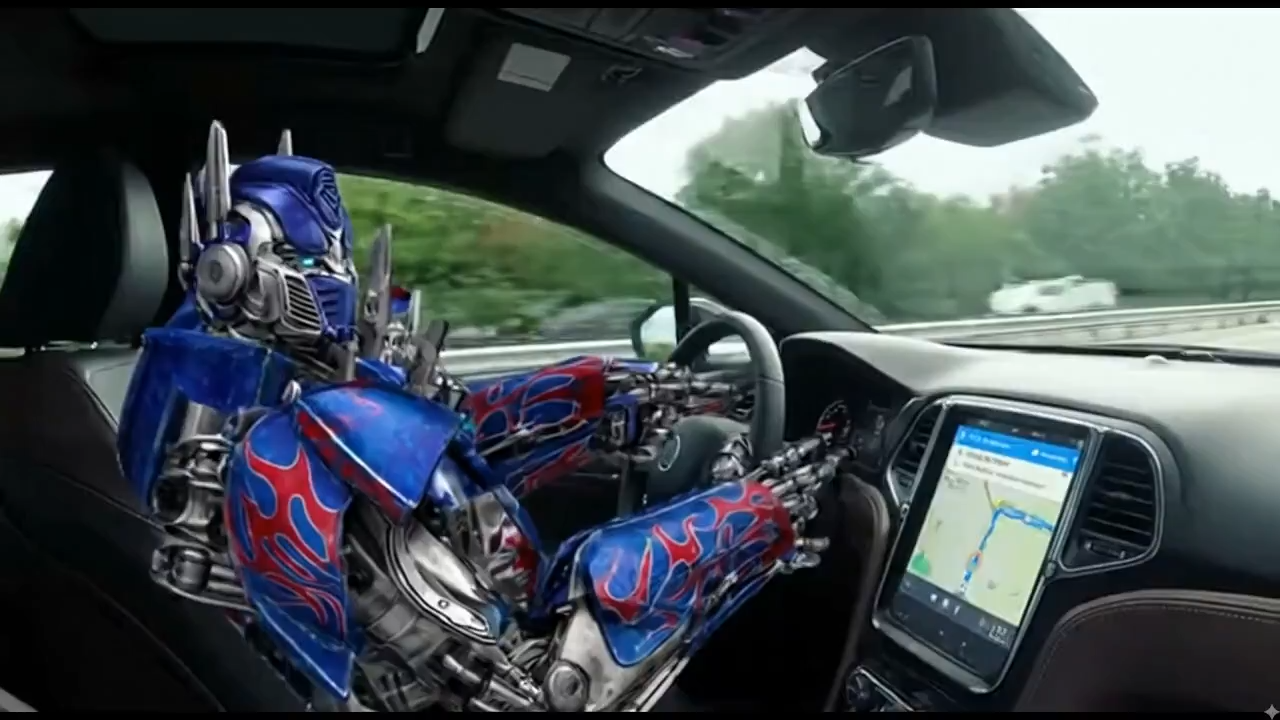
“Remove the Sora watermark from this clip. Don't change anything else - keep the original framing, camera motion, color grade, and subject performance exactly intact.”
Why Creators Search for FLUX 3
FLUX 3 points toward a multimodal generation workflow where text, images, video, audio, and editing instructions work together instead of living in separate tools.
Multimodal Video Workflow
Plan and generate AI videos from prompts, reference images, clips, and natural-language editing instructions in one studio flow.
Text, Image, and Video Inputs
Move from text-to-video into image-to-video, reference-guided scenes, and video editing without rebuilding the creative brief.
Audio-Ready Direction
Write prompts for dialogue, ambience, music, rhythm, and sound design so video concepts are ready for native-audio model workflows.
Readable Text and Design Prompts
Structure prompts for captions, UI shots, typography, product labels, and animated design scenes where text quality matters.
Consistent Motion Control
Guide camera movement, subject continuity, pacing, and shot composition for ads, explainers, social clips, and storyboards.
FLUX 3 Studio Branding
Use one focused workspace for FLUX 3-related video SEO, examples, pricing, and creative generation tools as the model category matures.
FLUX 3 Studio for Video Creators
built for multimodal video generation, editing, prompt testing, and creative iteration.
Creative workflows
99+
Use cases
Video modes
5+
Workflows
Start creating in
5
Minutes
What Creators Expect from FLUX 3
Teams use FLUX 3 Studio to prepare prompt workflows, test video ideas, and organize AI video generation before full FLUX 3 availability.

Sarah Johnson
Digital Artist
FLUX 3 Studio helps us turn campaign ideas into reviewable video drafts quickly, with enough structure to compare motion, text, and prompt direction.

Mike Rodriguez
Marketing Designer
Chat-native editing is the part that changed our workflow. We can ask for object swaps or scene adjustments without rebuilding the whole video.

Emma Chen
Content Creator
As a content creator, FLUX 3 Studio helps me move from a rough idea to short-form video concepts quickly. It is especially useful for testing hooks and visual direction.

Alex Thompson
Freelance Designer
The reference-based workflow gives us more control than a simple prompt box. We can guide character action, camera movement, and style with much less guesswork.

Lisa Wang
Social Media Manager
Being able to generate and edit video in the same creative flow helps our social team move faster during launches and live campaigns.
David Kim
Creative Director
FLUX 3 Studio gives our design team a practical video sandbox for ads, explainers, and product scenes before we commit to final production.
Start Building FLUX 3 Video Workflows
Turn prompts, images, and existing clips into editable AI videos in FLUX 3 Studio.